/images/avatar.png

Work and live with IT

Journey To Passwordless: FIDO2

Blog series

  1. Passwordless: But why?
  2. Enable passwordless
  3. Temporary Access Pass
  4. FIDO2 Security keys
  5. Windows 10 device onboarding and Windows Hello for Business
  6. PowerShell administration without a password
  7. Microsoft Authenticator app
  8. Restrict FIDO2 key usage & conclusion

Recap

Last week I explained the initial setup of an admin account using Temporary Access Pass. Today I want to introduce FIDO2, a sign-in method intended for regular sign-ins.

Full disclosure
The FEITIAN FIDO2 Security Keys used in this article were provided to me free of charge by FEITIAN Technologies.

What is FIDO2?

FIDO is short for Fast Identity Online and FIDO2 is an industry standard of the FIDO Alliance for authentication on the web (WebAuthn). This standard offers a non-phishable way to sign-in to web services without a password. This is also the biggest difference to the first version FIDO U2F, which could only be used as a second factor for the sign-in.

Journey To Passwordless: Temporary Access Pass

Blog series

  1. Passwordless: But why?
  2. Enable passwordless
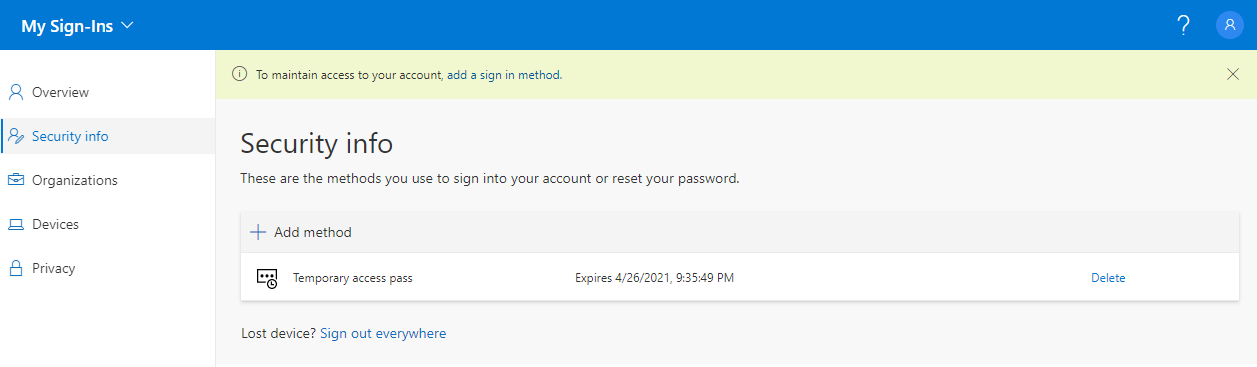
  3. Temporary Access Pass
  4. FIDO2 Security keys
  5. Windows 10 device onboarding and Windows Hello for Business
  6. PowerShell administration without a password
  7. Microsoft Authenticator app
  8. Restrict FIDO2 key usage & conclusion

Recap

In the first two blogs of the series, I highlighted the concept and benefits of Passwordless and took the necessary configuration steps in the Entra ID (Azure AD) Tenant. Now we turn to the first piece of the puzzle towards a true passwordless sign-in.

Journey To Passwordless: Enable passwordless

Blog series

  1. Passwordless: But why?
  2. Enable passwordless
  3. Temporary Access Pass
  4. FIDO2 Security keys
  5. Windows 10 device onboarding and Windows Hello for Business
  6. PowerShell administration without a password
  7. Microsoft Authenticator app
  8. Restrict FIDO2 key usage & conclusion

Enable passwordless

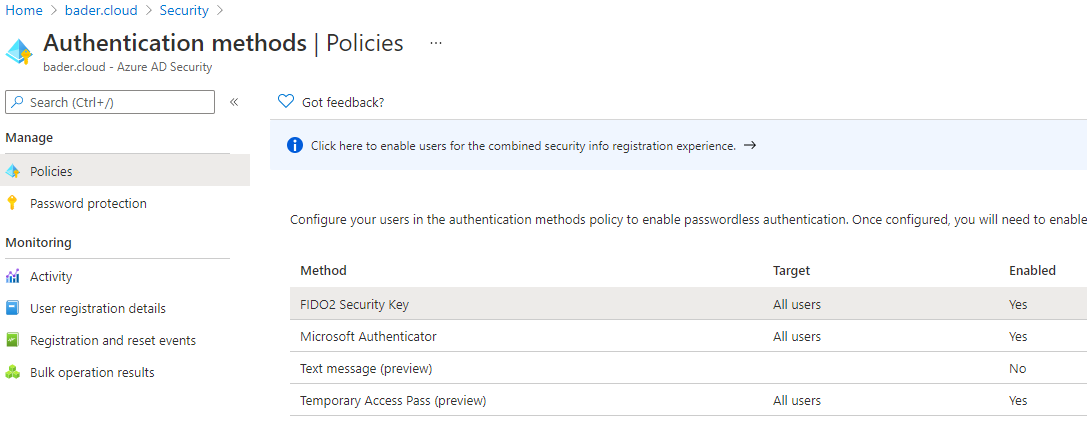
Before things can get started and the first admin is able to work without a password, a few functions have to be enabled in Entra ID (Azure AD). Optionally, sign-ins in the browser are additionally secured by a conditional access policy.

Journey To Passwordless: But why?

Preface

There is currently a lot of talk and writing about passwordless authentication in the Microsoft community.

But what does it mean in everyday life to use your own account without a password?
Which requirements have to be fulfilled and which restrictions come along with it?

In this blog series, I will provide you with an overview of the current state of the existing technologies and explore them step by step.

Why the new MFA registration benefits your users

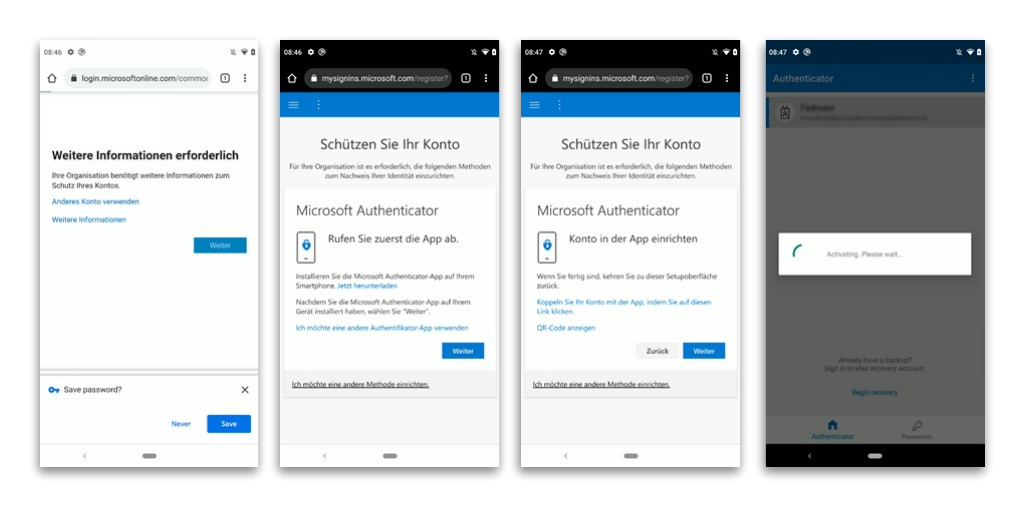
The new website for the combined security information registration, as Microsoft officially calls it, allows users to set up MFA and the necessary information for self-service password reset (SSPR).

It is also a prerequisite for setting up FIDO2 security keys, the use of “user actions” in conditional access policies, and will certainly be required for any new two-factor methods.

At first glance, however, these changes do not benefit the individual user.

Operator mvexpand: expanded expression expected to have dynamic type

TIL; Today I Learned

TIL is a blog series in which I document (for me) interesting insights.

This knowledge is possibly already documented a hundred times on the Internet. But so i can find it again i wrote it down here.

Microsoft has been preparing a fundamental change to the way sign-in logs are being displayed and stored for some time. This helps in the analysis of sign-in processes, as it distinguishes, for example, whether the user signs-in interactively or with a stored credential (non-interactive).