/images/avatar.png

Work and live with IT

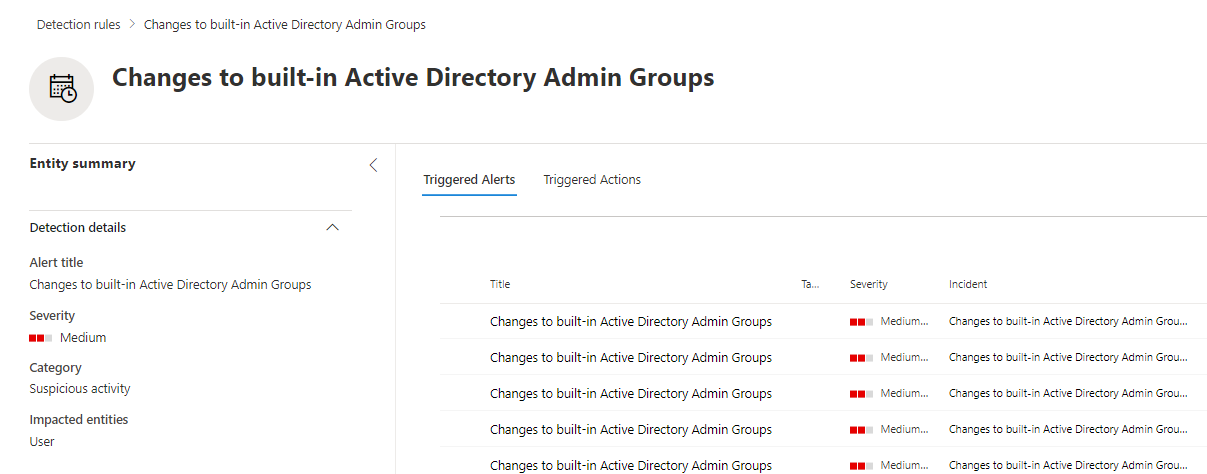
Alert changes to sensitive AD groups using MDI

Microsoft Defender for Identity is a very powerful tool when it comes to track changes to users and groups in your on-prem Active Directory. When used in combination of the advanced hunting capabilities available in the Microsoft 365 Defender portal and custom detection rules you can very easily automate the change tracking.

If you protect any on-prem Active Directory, you should be aware to changes to any privileged groups. Microsoft itself list a few of them in their documentation on Active Directory Domain Services and in the Defender for Identity documentation adds additional ones. In total there are 17 groups marked as sensitive.

Defender for Identity, Npcap on Windows Server 2022

Microsoft Defender for Identity is a very useful tool for gaining deep insight into an Active Directory environment. The agents installed on each domain controller collect information directly from the server’s network traffic and forward it to Microsoft Defender.

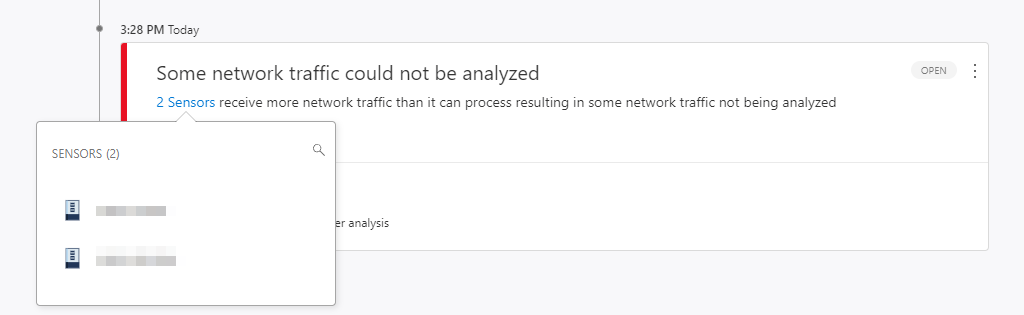
For this analysis, the agent uses the WinPcap driver by default. This leads to the following error message on a Windows Server 2022 even under moderate load:

/defender-identity-npcap-windows-server-2022/images/Preview.png

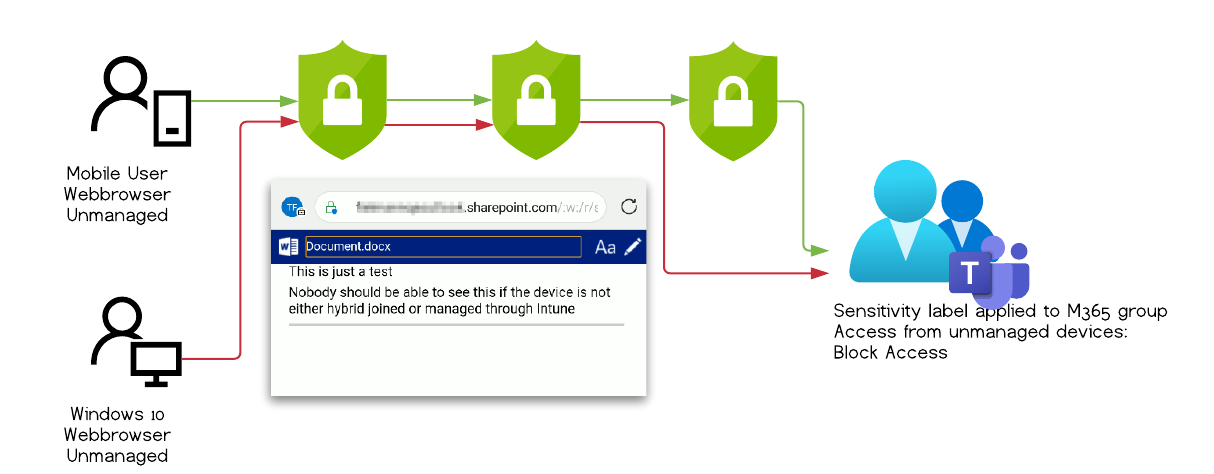
Bypass sensitivity label restrictions with mobile Edge and conditional access policies

Vulnerability assesment by MSRC

Severity Important
Security Impact Security Feature Bypass

Scope of the security vulnerability

This article describes a security vulnerability that allowed an authenticated Microsoft 365 user to bypass additional protective measures based on sensitivity labels to download content to an unmanaged device. The user could not access files that she otherwise would not have access to.

Fixed
The issue has now been fixed by Microsoft and it is no longer possible to reproduce this behavior.

If you don’t want a recap on what sensitivity labels are or how to setup the environment you can skip ahead to the test result or to the findings.

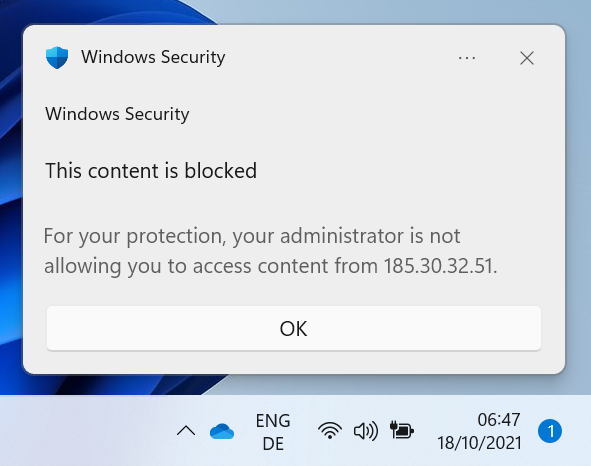
Create persistent Defender AV exclusions and circumvent Defender for Endpoint detection

A user with administrative permissions is able to create Defender AV exclusions without using the Add-MPPrefence cmdlet. Because of the way the exclusion is created, most public guidelines and hunting queries on detecting this kind of change won’t detect it.

Even more troubling is the fact that Microsoft Defender for Endpoint will not log any of those changes made. Therefore it’s not easy to detect and could go undetected for security personnel which relies on those queries and products.